TronScript vs Win11Debloat: Which Tool You Need to Clean Your Windows
A direct comparison between TronScript and Win11Debloat, two free tools to clean Windows. When to use each one and how to combine them.

Miguel Fernandez
Autor
TronScript vs Win11Debloat: Which Tool You Need to Clean Your Windows
If you use Windows, you probably already know the operating system comes with more than you actually need. Telemetry here, preinstalled apps there, AI features you never asked for. The good news is that there are free tools that solve this problem.
In this article I compare two options worth knowing: TronScript and Win11Debloat. Both are automated, free, and keep your system cleaner. But they do not do the same thing, and understanding the difference can save you hours of work.
Why Windows Needs Periodic Cleanup
Windows is not exactly known for respecting your privacy from day one. Between the telemetry it sends to Microsoft, the apps you never asked for, and the AI features enabled by default, your machine can feel slower and less yours than it should.
This is where these tools come in. The difference is how much you want to do: a deep cleanup that takes hours, or express maintenance in a few minutes.
TronScript: The Full Surgery for Your PC
TronScript is the script we use when we suspect something is wrong with a machine. It is an automated collection of the best security and cleanup tools on the market, executed in sequence.
You can read our detailed experience with TronScript in the article TronScript: the free tool every Windows user should know to protect their PC.
What it does
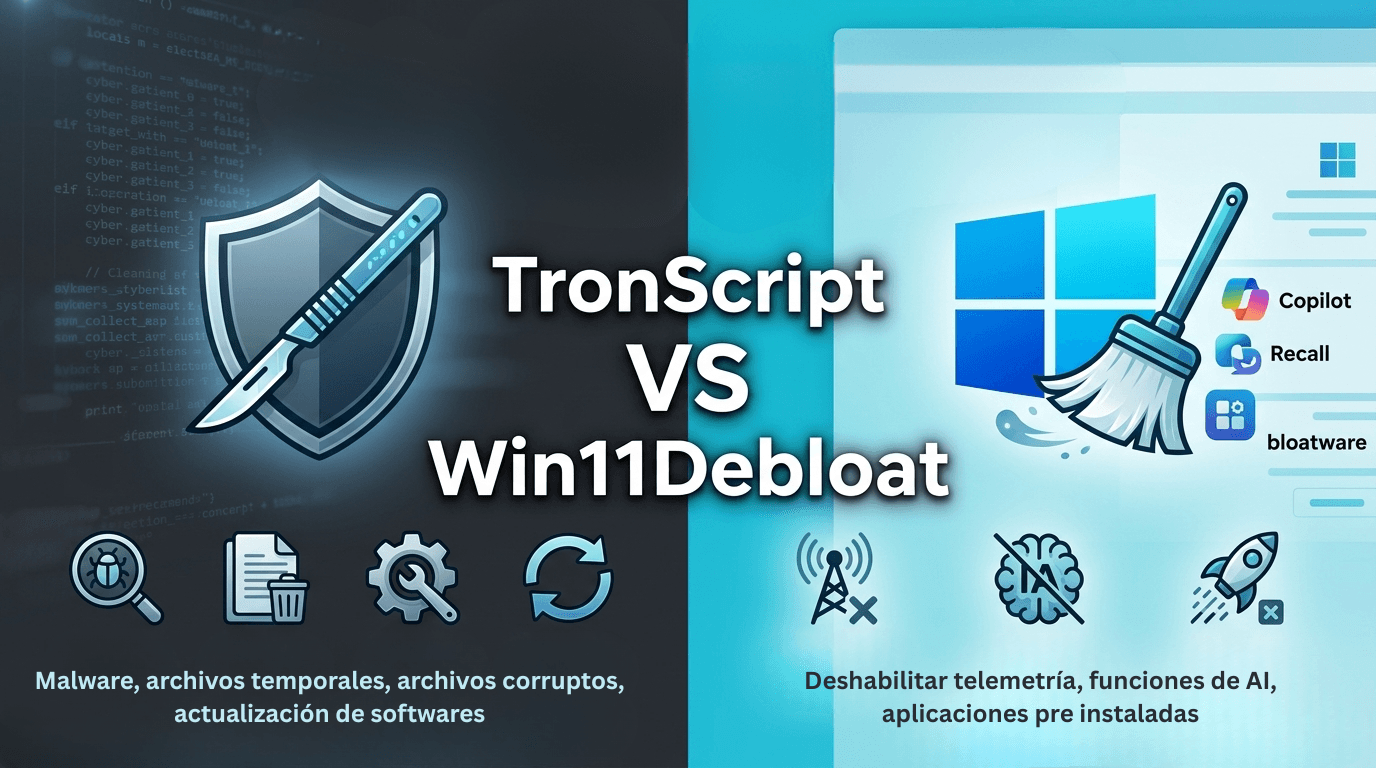
- Detects and removes malware
- Cleans temporary files and system junk
- Repairs corrupt operating system files
- Updates outdated software
- Optimizes the disk
What makes it different
- It is extremely thorough. It is not a single program, it is a suite that touches practically every part of your system.
- Execution can take between 3 and 10 hours depending on the state of the machine.
- It is designed for when you suspect an infection or when your system needs a deep cleanup.
What you should know
- It is not an antivirus. It is an intervention tool, not real-time protection.
- You need to prepare before running it: back up important files, make sure there are no pending Windows updates.
- After running it, your PC is cleaner but not "protected" in real time.
Official site: tronscript.com
Win11Debloat: The Express Cleanup
Win11Debloat is lighter and more focused. As the name suggests, it is meant to remove the bloatware: preinstalled apps, telemetry, and AI features you never asked for.
It is a popular tool in the developer community. midudev mentioned it on his X account: View post on X
What it does
- Disables Windows telemetry, tracking, and ads
- Removes Copilot, Recall, and AI features
- Uninstalls preinstalled apps you do not need
- Easy to undo if something goes wrong
What makes it different
- It is fast and reversible. It does not take hours, you run it and you are done.
- It does not touch system files or try to repair anything. It only cleans what you do not need.
- Ideal if your machine works fine but you want more privacy and less noise.
What you should know
- It is not a security solution. It does not detect malware or repair corrupt files.
- It works on Windows 10 and Windows 11.
- If something bothers you afterwards, you can revert each change individually.
Repository: github.com/Raphire/Win11Debloat
Direct Comparison: TronScript vs Win11Debloat
| Feature | TronScript | Win11Debloat |
|---|---|---|
| Purpose | Deep cleanup + security | Remove bloatware |
| Execution time | 3 to 10 hours | Minutes |
| Detects malware | Yes | No |
| Repairs system | Yes | No |
| Disables AI/Copilot | No | Yes |
| Reversible | Partially | Completely |
| Intervention level | High (touches the whole system) | Low (apps and telemetry only) |
| Risk if something goes wrong | Medium-high | Low |
| Best for | Machines with problems | Regular maintenance |
Which One Should You Use?
Use TronScript if
- You believe your machine has malware or is behaving strangely
- You need a deep cleanup after a known issue
- Execution time is not a problem and you can leave the PC working
- You want to repair corrupt system files
Use Win11Debloat if
- Your machine works fine but you want more privacy
- You do not want AI features you never asked for (Copilot, Recall)
- You want something fast, reversible, and low risk
- You just installed Windows from scratch and want to customize it
The reality: you can use both
The most common strategy in technical environments is to combine them:
- Win11Debloat as regular maintenance, especially after a fresh Windows install or major updates.
- TronScript as an emergency tool when something feels wrong with the machine.
They are complementary tools, not mutually exclusive.
Real-World Experience Using Both
After using TronScript in situations where I suspected malware, it gave me peace of mind. I found a problem, ruled it out, and regained control of the machine. It is not something you want to run every week, but when you need it, nothing else compares.
Win11Debloat I see more as preventive maintenance. I run it after a clean Windows install or when I want to make sure my system is not sending data it should not. In 5 minutes you have a Windows that is cleaner and more respectful of your privacy.
The reality is that Microsoft is not going to change its approach of including things the user did not ask for. The difference is in how much effort you put into reclaiming it.
Does Your Company Need a More Robust Security Strategy?
At fencode we design custom IT security solutions for companies in Mexico and LATAM: from endpoint hardening to full Zero Trust architectures.
Tags:
Preguntas Frecuentes del Artículo
Resolvemos las dudas específicas sobre este tema.