TronScript: The Free Tool Every Windows User Should Know to Protect Their PC
First-hand experience with TronScript: a free, automated, and surprisingly comprehensive tool to clean, repair, and protect your Windows system after a suspected infection.

Miguel Fernandez
Autor
TronScript: The Free Tool Every Windows User Should Know to Protect Their PC
Imagine this: you downloaded a file from a questionable source and suddenly you start receiving alerts that your passwords might be in the wrong hands. Paranoia and a state of alert kick in instantly. Is there active spyware on your computer? Are they stealing your information right now?
That is exactly the situation I went through a few weeks ago. It was then that I discovered TronScript, an automated, free, and surprisingly complete solution that promises to clean, repair, and protect your Windows system in a comprehensive way.
In this article I share my first-hand experience, explain what each stage of the process does, and give additional security recommendations for anyone who suspects they may have been a victim of malware.
First Things First: Why Is Windows Still Such an Attractive Target for Hackers?
Let us be honest: if Windows were truly the most secure operating system in the world, this article probably would not exist.
And it is not a baseless criticism. It is the reality confirmed by the data year after year. In 2024 alone, Microsoft patched more than 1,000 vulnerabilities through its monthly update cycle known as Patch Tuesday, a historic record according to Trend Micro's Zero Day Initiative. To put it in perspective: that is almost 3 new vulnerabilities per day.
Among the most high-profile cases of the last year are:
- CVE-2024-38193 — A zero-day vulnerability in the Windows kernel actively exploited by the Lazarus cyberespionage group (North Korea), which allowed obtaining full system privileges without the user doing anything. More details on BleepingComputer.
- CVE-2025-21335 / 21333 / 21334 — A trio of vulnerabilities in Windows Hyper-V patched in January 2025 that allowed local privilege escalation. They affected both desktop environments and corporate servers. Coverage on SecurityWeek.
- Recall and the privacy debate on Copilot+ PCs — The AI feature that takes continuous screenshots of your activity and indexes them locally generated a storm of criticism from security researchers, who showed that the database was accessible to any malware with user-level access. Microsoft had to redesign the feature entirely before launching it. Analysis on Ars Technica.
Does this mean you should abandon Windows tomorrow? Not necessarily. But it does mean that using Windows without an active security strategy is gambling with your data. And that is exactly where TronScript comes in.
What Is TronScript and How Is It Different from a Traditional Antivirus?
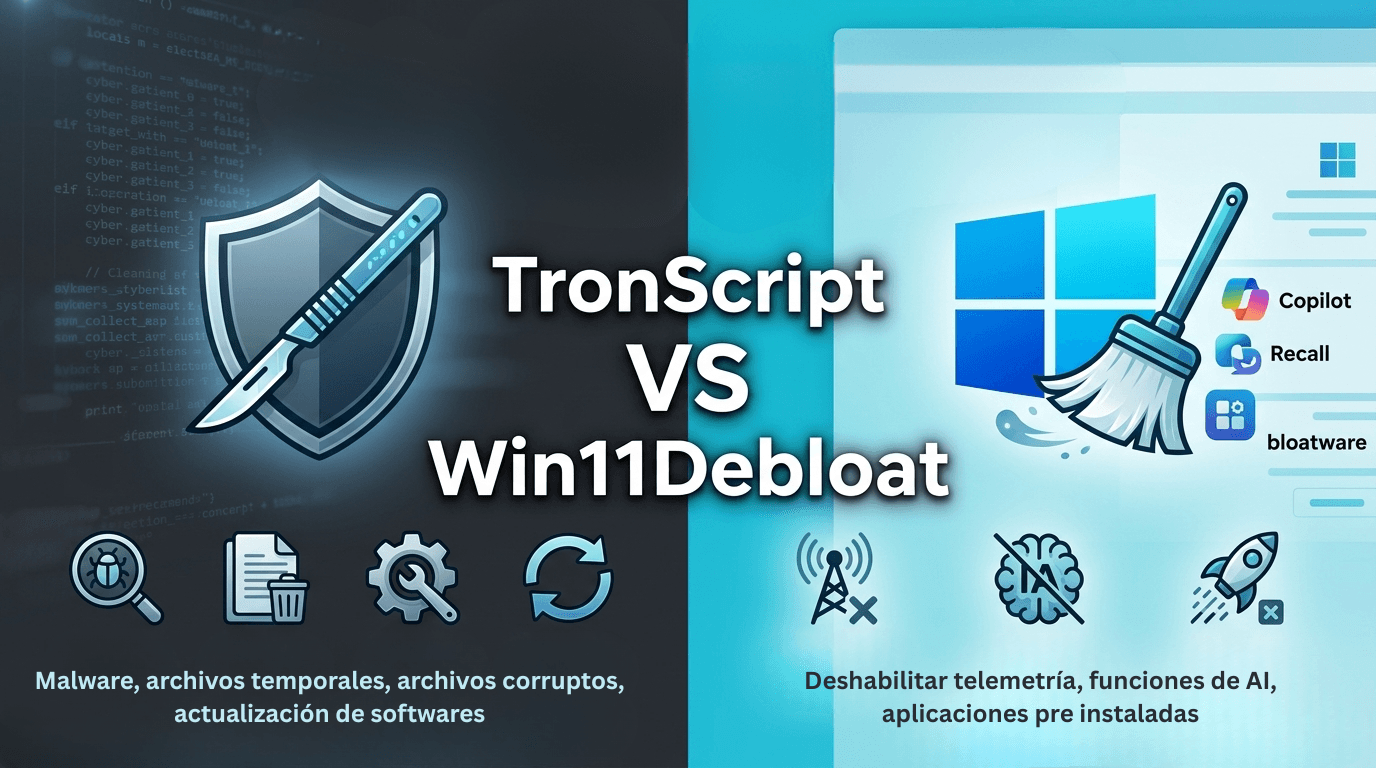
TronScript is an automation script for Windows actively maintained by the community on the r/TronScript subreddit. Unlike commercial antiviruses, Tron is not a single program: it is an orchestrated collection of the best security and cleanup tools on the market, many of them used by IT professionals, executed in automatic sequence.
What makes it unique is its layered approach:
- Detects and removes malware
- Cleans temporary files and system junk
- Repairs corrupt operating system files
- Updates outdated software
- Optimizes the disk
All in a single run that can take between 3 and 10 hours, depending on the state of the machine.
Important: TronScript is not a permanent replacement for an antivirus. It is an intervention tool: it is used when you suspect an infection or when your system needs a deep cleanup.
Before Running It: Preparations You Cannot Skip
Preparation is just as important as execution. Before launching the script, follow these steps:
- Restart the machine. Windows must not have pending updates. If the system reboots during the process, it can be left in an unstable state.
- Back up your important files. Although Tron automatically creates a restore point, it is always better to have an external copy of your most valuable documents and photos.
- Schedule free time. The process can take several hours. Plan to run it overnight or when you do not need the computer.
- Do not interrupt the process. If the script appears frozen, it is probably working in the background. Cancelling it halfway can leave your system in a worse state than where you started.
These four steps may seem obvious, but skipping any of them is the most common reason people end up with problems after running TronScript.
What Does TronScript Actually Do? A Step-by-Step Breakdown
The script runs through a structured pipeline. Each stage addresses a specific concern, and together they cover most of what you would want to check on a Windows machine that you suspect may have been compromised.
Stage 1: Prep and Forensics
Before cleaning anything, Tron collects information about the state of the system. It runs tools like Malwarebytes Anti-Malware and Kaspersky Virus Removal Tool to do an initial malware scan and log everything that looks suspicious. It also takes a snapshot of running processes, scheduled tasks, and autorun entries so that, if anything goes wrong later, you can see what changed.
In my case, this stage was key: it gave me a baseline of the system before Tron touched anything, which allowed me to compare the state before and after with total confidence.
Stage 2: Cleanup
Once the diagnostic snapshot is captured, Tron proceeds to remove what should not be there:
- Temporary files, Windows Update cache, browser caches, and system logs
- Preinstalled apps that often come bundled with new computers (bloatware)
- Known malware samples detected in the previous stage
- Old restore points that may contain infected files
This stage alone usually frees several gigabytes of disk space and removes dozens of processes that were running in the background without your knowledge.
Stage 3: Repair
This is where Tron goes beyond a simple cleanup. It uses System File Checker (SFC) and Deployment Image Servicing and Management (DISM) to repair Windows system files that have been corrupted or modified, either by malware or by failed updates.
It also resets networking components (winsock, TCP/IP stack, DNS cache), which is useful if your connection started behaving strangely after a suspected infection.
Stage 4: Hardening
After cleaning and repairing, Tron applies a series of hardening measures to reduce the attack surface:
- Disables known vulnerable SMBv1 protocol
- Removes outdated Adobe Flash and Java runtimes that no longer receive security patches
- Updates common third-party software (browsers, PDF readers, compression tools)
- Applies recommended Windows privacy settings to reduce telemetry
Stage 5: Final Verification
At the end, Tron runs a second scan with the same tools from Stage 1 and generates a detailed log. This log is your proof of what was found, what was cleaned, and what was changed.
Pro tip: Save the log file. If you ever need to demonstrate that your system was clean on a specific date, that log is your evidence.
My Personal Experience Using TronScript After a Suspected Infection
When I realized my passwords might be compromised, the first thing I did was change the most critical ones from a different device. Then I disconnected the affected machine from the network and prepared it to run TronScript.
The execution took about 6 hours on my machine. During the process, the script rebooted twice and ran for long stretches with the disk at 100%. That is normal: it is not frozen, it is working.
When it finished, the log showed:
- No active malware infections
- 12 outdated applications updated
- Several telemetry processes disabled
- Disk cleanup recovered around 8 GB
The most valuable thing was not the technical result, but the peace of mind. I could rule out that the problem was still active on my machine and focus on the next steps with certainty.
After TronScript: The Critical Security Steps You Still Need to Take
TronScript is an excellent "fire extinguisher" for one-off incidents, but real security is not an event, it is an ongoing process. Once your system is clean, here are the critical actions you must adopt:
- Cut off access: Change your passwords immediately.
Do it from a different device than the one that was infected. Follow this order of priority: email (it is the master key), online banking, gaming platforms, and services with saved cards.
2. Enable the "Master Key": Two-Factor Authentication (2FA).
Even if someone steals your password, 2FA stops them cold. Prioritize authenticator apps like Google Authenticator or Authy over SMS messages, which are more vulnerable.
3. Audit your trail: Is your data already out there?
Use haveibeenpwned.com to check if your email has been part of a past mass data breach and act accordingly.
4. Do not trust the browser: Use a Password Manager.
Saving passwords in Chrome or Edge is convenient, but it is the first target for malware. Migrate to dedicated encrypted solutions like Bitwarden (free and open source), 1Password, or Proton Pass.
5. Spring cleaning: Review your extensions.
Browser extensions are a silent and underestimated attack vector. Periodically remove any add-on you do not recognize or do not actively use.
6. The Golden Rule: When in doubt, do not download.
Before running a file from an unknown source, scan it on VirusTotal. But remember: the best defense is common sense. If the source is suspicious, DO NOT DOWNLOAD IT. The less software you install or download, the smaller your attack surface.
Use Cases: When Does It Make Sense to Use TronScript?
Accounting firm with slow machines and suspected infection. An accounting firm noticed that several machines were behaving unusually after installing third-party software. Running TronScript allowed them to confirm there was no active infection, repair system files damaged by a failed update, and recover performance without needing to reinstall Windows.
Gamer with leaked password alerts. After receiving notifications of breaches in their password manager, a user ran TronScript as a first diagnostic step. The Autoruns and ADSSpy review ruled out the presence of keyloggers or spyware, giving them certainty to proceed with the credential change.
Support technician inheriting machines with no history. When receiving laptops from employees who left the company, an IT team uses TronScript as a standard cleaning protocol before reassigning them, guaranteeing a clean and updated state.
Final Reflection: From Vulnerability to Peace of Mind
To close, I want to share my personal experience with you. As a technology professional, I admit I felt vulnerable and deeply scared. There is a constant uncertainty when you do not know where your data will end up or who has access to your digital life; it is a feeling of frustration and fear I would not wish on anyone.
Despite my background, I made the mistake of trusting too much. I downloaded files from a Reddit thread that looked safe but was not. I learned the hard way that no matter how expert you are: it can happen to anyone if preventive measures are not taken. I even felt a bit of shame when my close circle found out, because you feel like "this should not happen to me." The reality is that no one can be 100% sure it will not happen to them, sadly, and that is why these preventive measures are becoming more crucial as we get more wrapped up in the digital world.
I write this article because a large part of our identity today lives on a server. With the advance of Artificial Intelligence, information theft is no longer just an annoyance, but a real risk that can affect your life in unpredictable ways.
Why do I recommend TronScript after all this?
Because after running it, I regained peace of mind. It helped me rule out that the problem was still active on my machine and close that security gap that was keeping me up at night. Today I can get back to working and playing games on my computer with the certainty that I have regained control.
My final advice: Distrust by default. The fewer unknown files you execute, the safer your identity will be. Do not wait to go through this bad patch to protect your digital life.
Does your company need a more robust IT security strategy that does not rely on manual tools? At fencode we can help you design and implement security and automation solutions tailored to your processes. Contact us at fencode.dev and schedule a free consultation.