OpenAI Build Week in Monterrey: what the first Codex meetup at home felt like
Chronicle of the first Codex meetup in Monterrey, part of OpenAI's Global Build Week: speakers, local demos, MCPs, and the workflow the event left behind.

Miguel Fernandez
Autor
OpenAI Build Week in Monterrey: what the first Codex meetup at home felt like
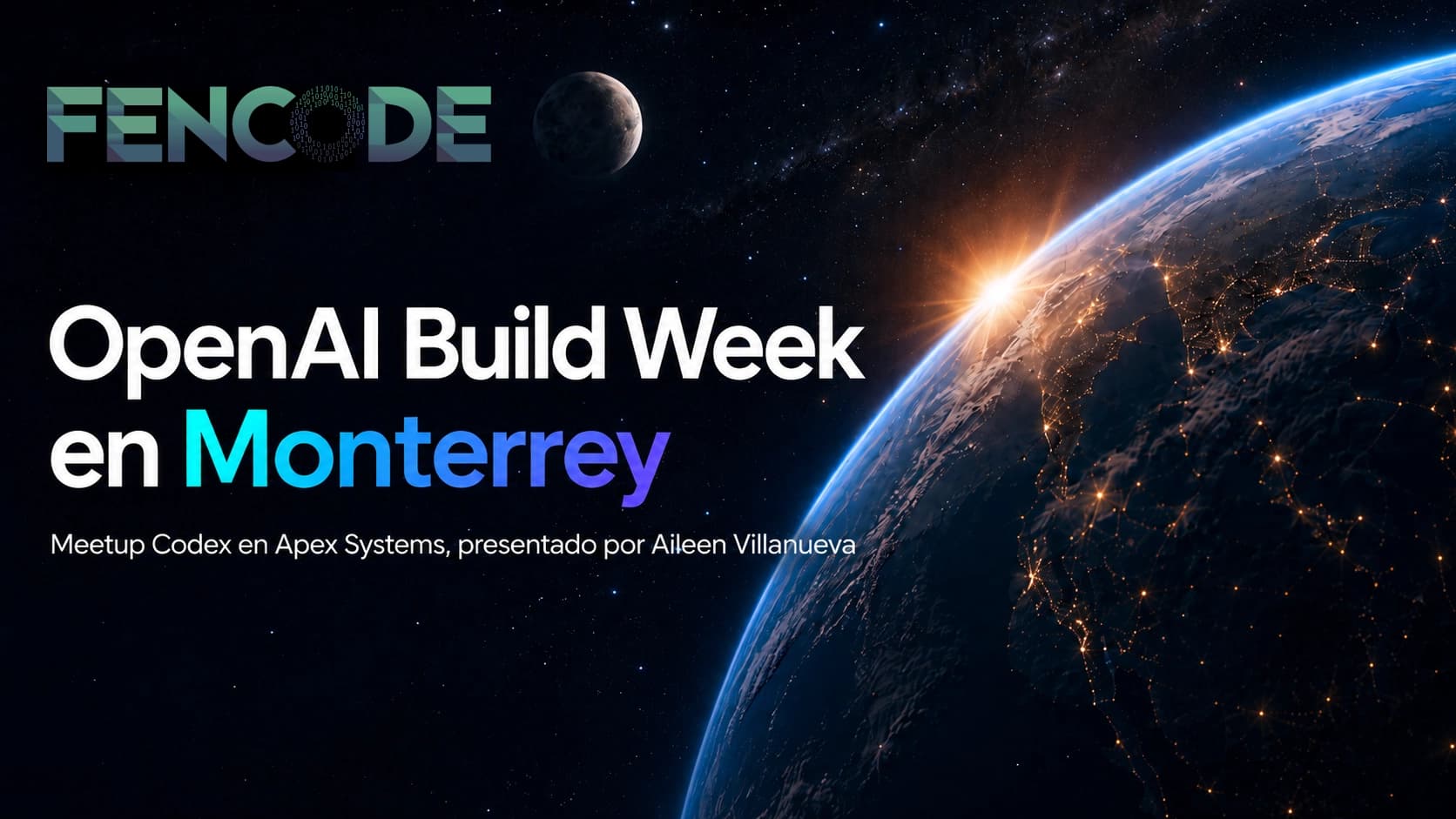
On July 14, 2026, at the Apex Systems offices in Monterrey, the first meetup of the Codex community in the city was held. It was organized by Aileen Villanueva as part of Global Build Week (July 13–21), the week OpenAI put together to push developers around the world to build with its programming agent. Entry was free and the event sold out.
Going to an event in your own city always shifts your perspective. It wasn't a DevDay, nor a keynote. It was people from Monterrey, with local projects, learning in person. That's the part worth telling.
Who spoke and what they showed
The agenda was tight, no filler. Three main speakers, two local demos, and real time for networking at the end. Here's what was presented.
Juan Ortiz del Toro - From prompt to production: my workflow with Codex
Juan is known in the local community for his work with agents and for sharing his process on Instagram as @juanortiz.dev. His talk was the closest to day-to-day work: how to take a prompt-based idea and get it running in production without losing control of the code. He talked about the difference between fast prototyping and disciplined testing, and why Codex is more valuable when you already have a solid test suite than when you're improvising on the fly.
The most useful part of his talk: the segment where he showed real Jira tickets, ran them through Codex with the Atlassian plugin, and let the model propose the first pull request. That demo condensed the workflow I had also been testing during the week.
Ricardo Herrera - Codex + MCP: Turning an LLM into a development partner
The second talk brought the Model Context Protocol down to earth. Ricardo showed how an LLM, without specific skills, falls short: it responds, sure, but it doesn't act. MCPs change that. They let Codex read tickets, query Figma, talk to Stripe, trigger a deploy on Vercel, all from a single conversation.
The strong point of his approach was separating three ideas that many people mix up:
- Tokens are the limited resource. Every MCP call costs something. You have to design them to save.
- Context is what the model has in memory. If you feed it poorly, it responds poorly, no matter how smart it is.
- Action is what the model can execute. Without MCPs, there is no real action. With MCPs, Codex moves from "answering questions" to "executing changes."
His demonstration included setting up an MCP from scratch, connecting it to a local repo, and letting Codex debug a configuration error by reading the logs on its own. That's exactly what Build Week wanted to celebrate.
Local demos: Opalit-ai and Superworker.ai
After the two talks there was a block of demos by local builders.
- Alejandro Ramírez showed Opalit-ai, a project in development that uses Codex as the main engine to automate a salesperson's workflow through WhatsApp.
- Juan Carlos Garza, from founders.inc, presented Superworker.ai, a tool that reads the full context of Shopify businesses and marketing analytics, to answer the most common question in entrepreneurship: what's moving sales and what actions to take.
Both cases serve as a reference: you don't need a new model, you need a disciplined workflow.
ChatGPT Work vs Codex: the confusion that keeps coming up
Something that came up repeatedly in audience questions was the difference between ChatGPT Work and Codex. It's worth writing it down because it still creates noise:
- ChatGPT Work is meant to research, analyze, and complete everyday tasks. It's where you think, write, and synthesize.
- Codex is meant to build, debug, and maintain software. It's where the code lives.
The confusion is still the most common mistake of the week. You treat Codex like a chat and end up wasting time and tokens. Each product has its tool.
Three work modes within the stack
One of the threads that came up the most across the talks was that there isn't a single flow with Codex, but several modes depending on what stage you're in:
- ChatGPT Pro for planning multi-step features: exploring the codebase, reviewing project files, and even market and pricing context before touching code.
- Deep Research when the plan needs more in-depth investigation before being defined, with examples shown on a real repo.
- Codex Goal, the mode focused on setting the agent's objective on a specific repo and letting it execute with that clear north star.
The central idea: pick the right mode depending on whether you're exploring, researching, or already executing, rather than forcing everything through the same chat.
What changed after the meetup
Before the meetup I had an idea of the workflow with Codex. After the meetup I have a more grounded version:
- Tickets via Atlassian MCP. The Rovo plugin reads the ticket, extracts context, and stores it in the chat's memory. You save tokens and avoid explaining the same thing twice.
- Design via Figma MCP. You go from design to component without re-interpreting the file.
- Deploy via Vercel. Its skills section lets you load reusable guides. You can feed it "10 years of React best practices" as a skill and reuse it across any agent.
- Monitoring via Langfuse and Sentry. If you're sending agents to production, you need tracing and observability from day one.
That chain was confirmed by watching what the speakers presented. It's the practice and techniques being executed on projects in the city.
The honest balance
Codex isn't magic. If you feed it bad context, it returns bad code. If you skip the plan, you end up refactoring what you already built. And MCPs are still new territory where documentation arrives late.
But the full workflow — tickets via Rovo, design via Figma, deploy via Vercel, tracing via Langfuse — all orchestrated by Codex and connected through MCPs, works. The difference between the developer who improvises and the one who structures their stack with MCPs shows in how long it takes them to close a ticket, not in how many tickets they manage to open.
Staying in Monterrey, with people who are also pushing Codex projects forward, was the best part of Build Week. Next time OpenAI organizes something like this, I hope there's a local meetup again. If you want to join, it's worth following the official event registration on Luma and keeping an eye on future announcements in the Codex community.
Is your team evaluating putting Codex and MCPs into your development workflow but doesn't know where to start? At fencode we help companies design custom development workflows, with or without agents involved. Book a free consultation.
Tags:
Preguntas Frecuentes del Artículo
Resolvemos las dudas específicas sobre este tema.